

01
Choose the frame
Use a still image, product shot, or visual reference when the motion needs to stay close to a campaign direction.
A video model for cinematic b-roll, product reveals, camera motion, social clips, and fast motion tests when the idea needs to move.
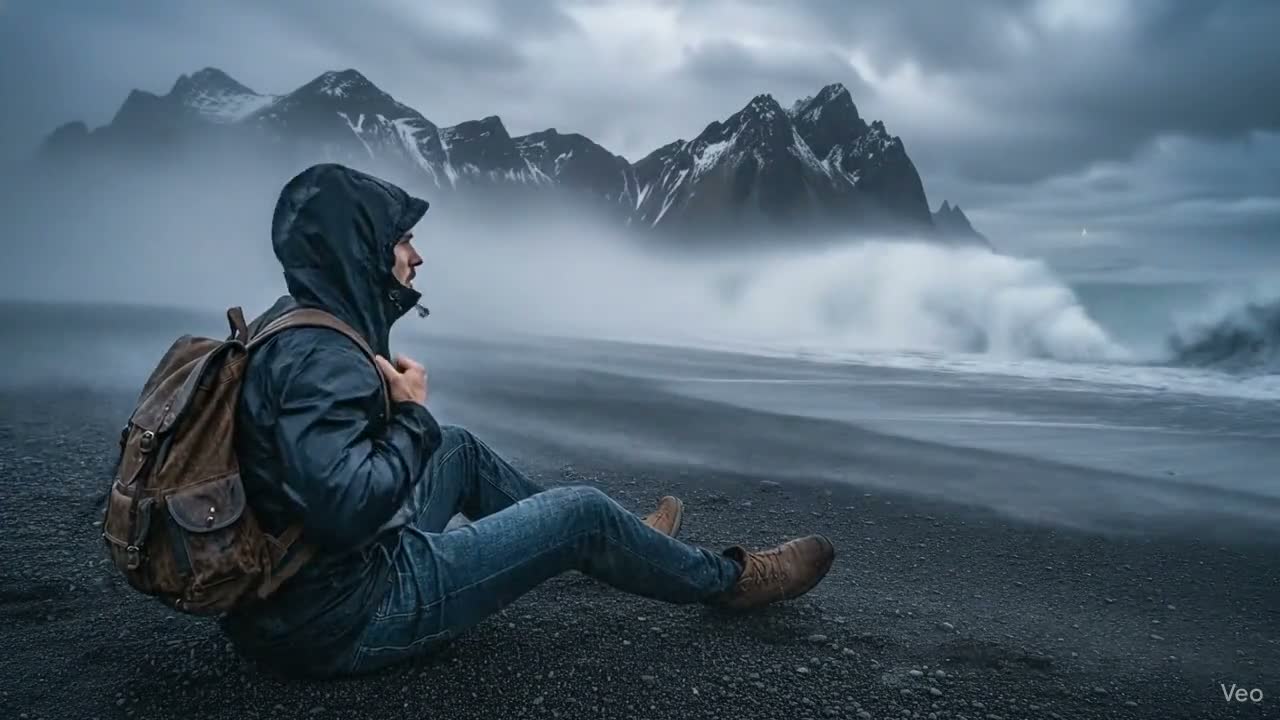
Motion looks, product movement, camera tests, atmosphere, and social-ready clips curated as fast starting points.
Seedance 2.0
Prompt to video
Seedance 2.0
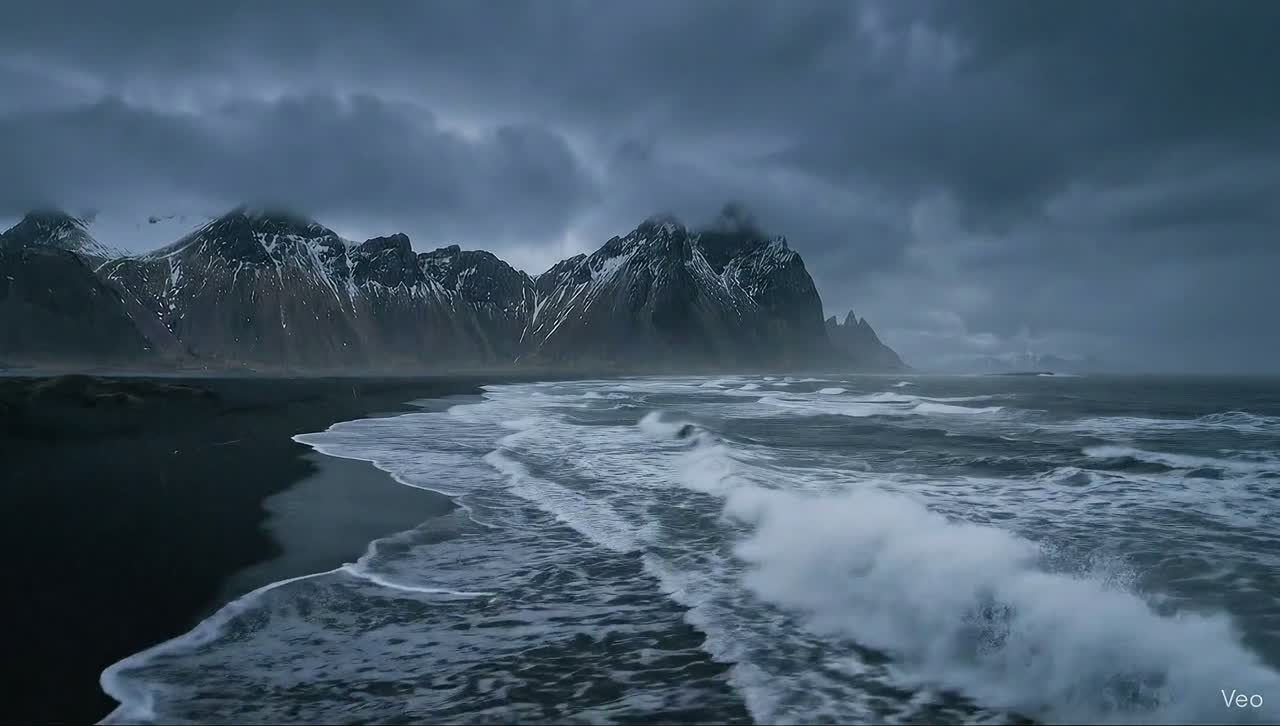
Camera moves
Seedance 2.0
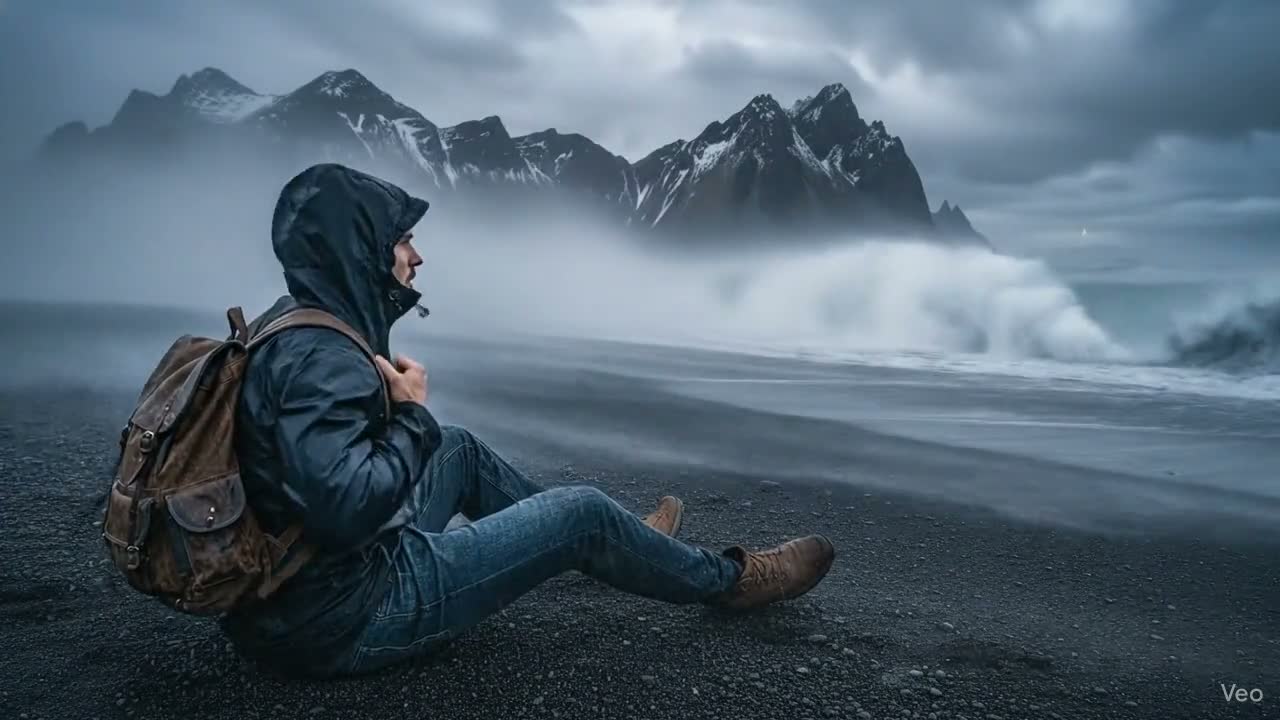
Cinematic b-roll
Seedance 2.0
Product motion
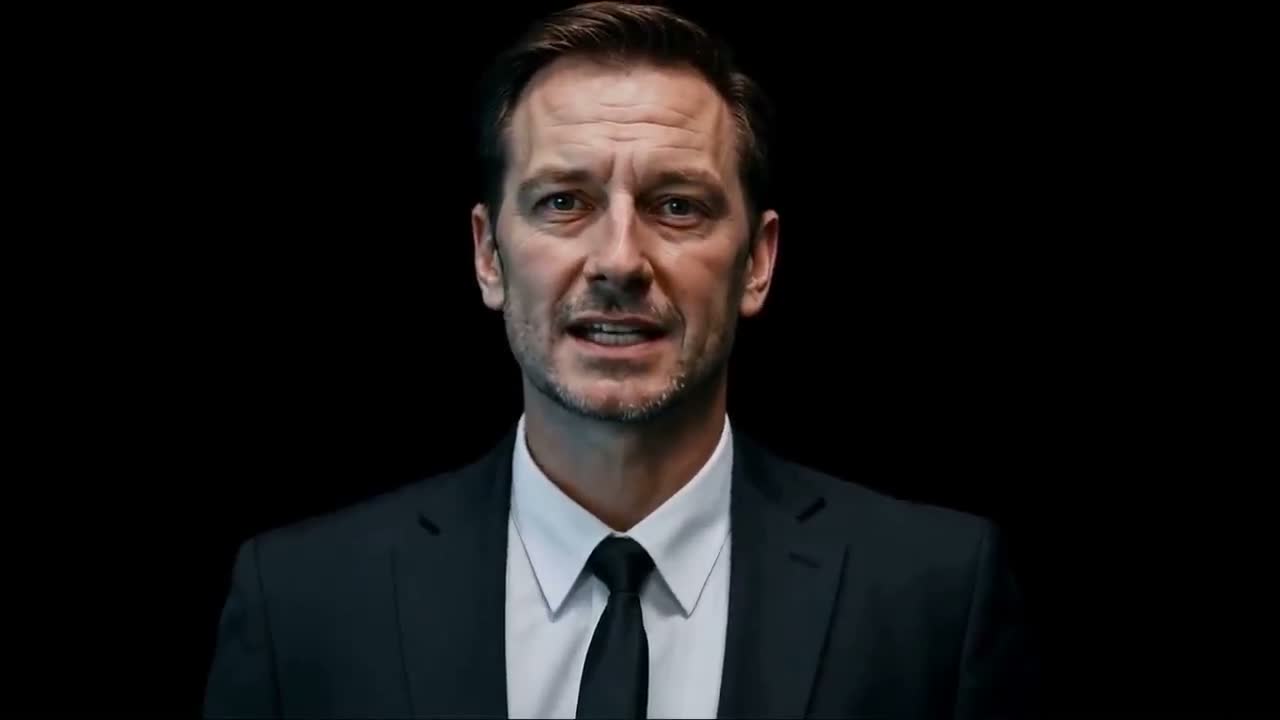
Seedance 2.0
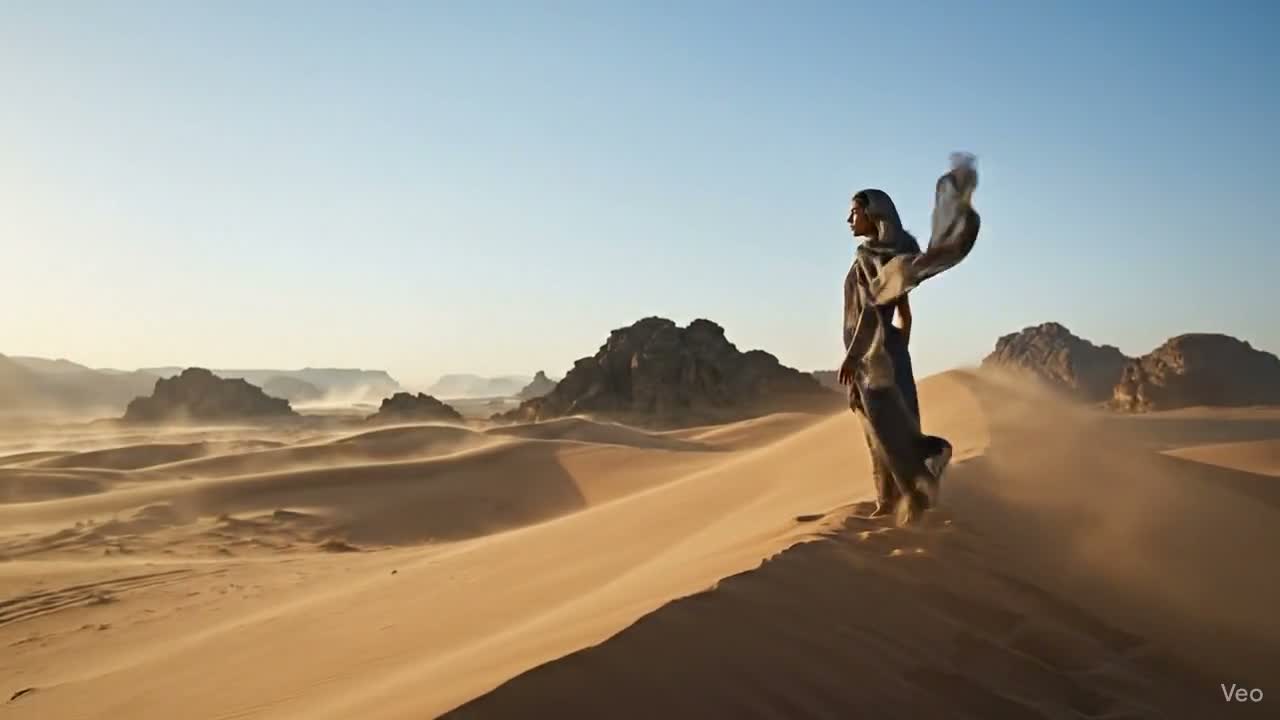
Atmosphere
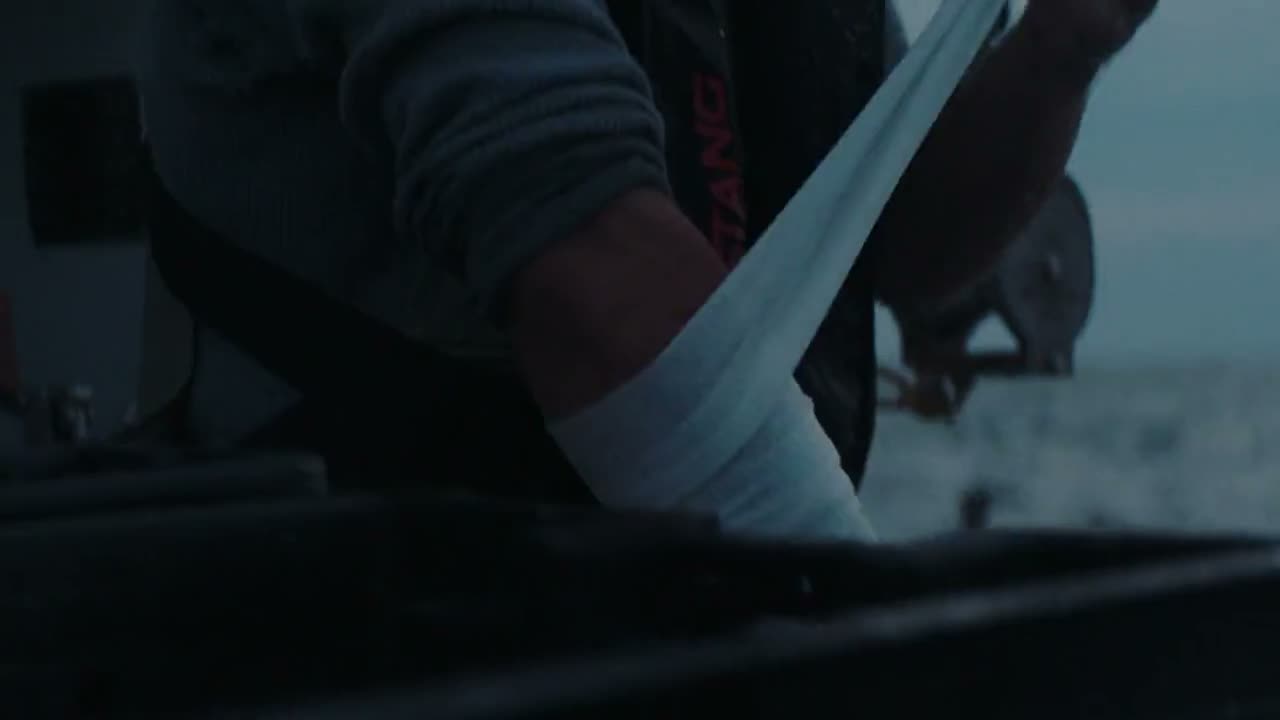
Seedance 2.0
Social clips
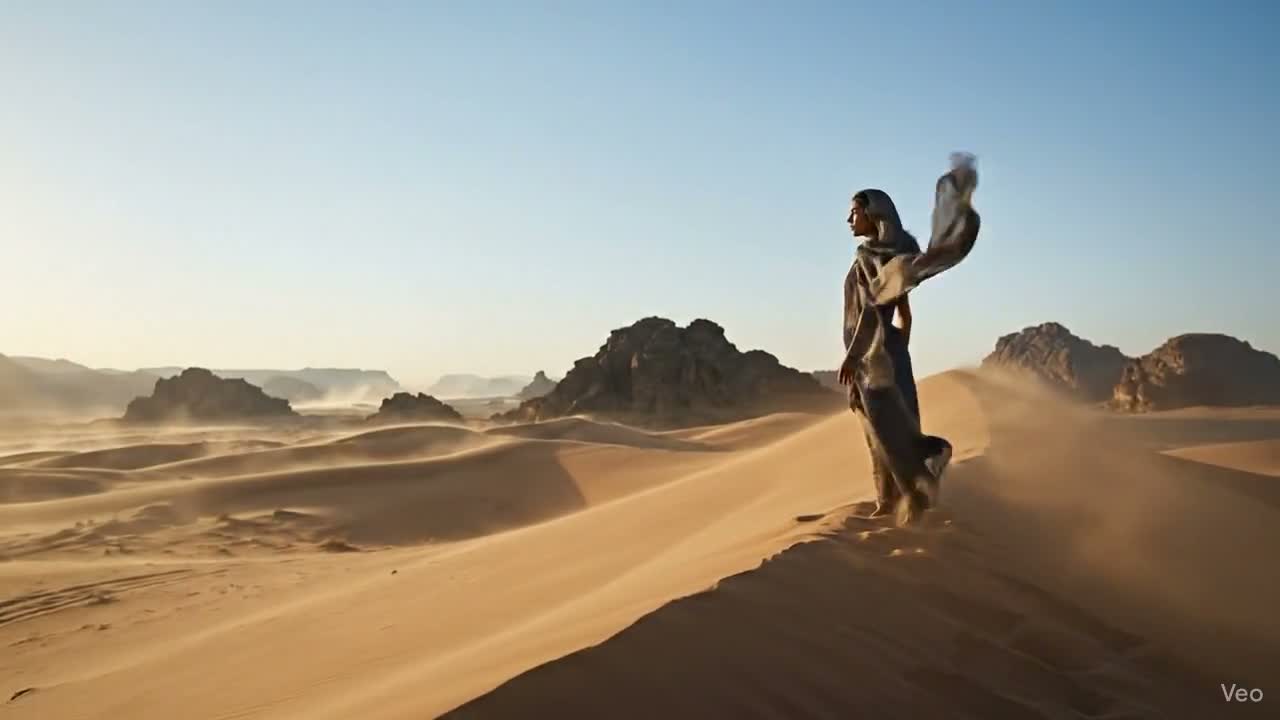
Seedance 2.0
Prompt to video
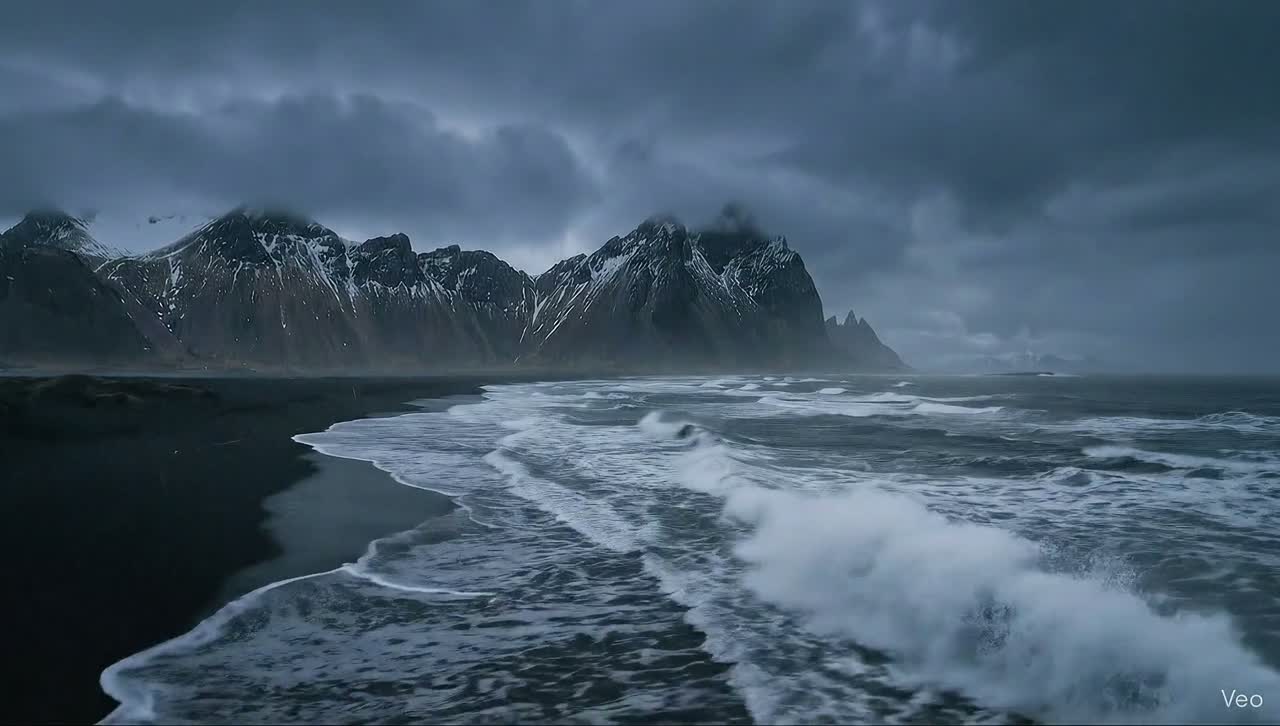
Seedance 2.0
Camera moves
Seedance 2.0
Cinematic b-roll
Seedance 2.0
Product motion
Seedance 2.0
Atmosphere
Start with a prompt or image reference, then describe the action, camera language, pacing, mood, subject movement, and final clip format.
Use a still image, product shot, or visual reference when the motion needs to stay close to a campaign direction.
Describe camera path, subject motion, pacing, atmosphere, lens feeling, and what should happen in the first seconds.
Generate motion variants for faster b-roll, slower atmosphere, stronger product reveals, or a cleaner social clip.
A calmer row of sample directions for scanning the model range — ready to explore.
Seedance 2.0 is strongest when you need fast visual movement without building a whole edit first: camera pushes, product motion, atmosphere, and short cinematic beats.
Fast b-roll and camera tests
Use Seedance 2.0 when you need a moving shot quickly: product reveals, atmosphere, camera pushes, and social-first cinematic inserts.
Turn frames into motion
A reference image can anchor the subject, product, environment, or art direction while the model adds movement and pacing.
Explore before editing
Generate several motion directions before committing to a full sequence, then keep the strongest takes for the campaign story.
Open a preset, add a reference frame, or write the motion directly. Seedance 2.0 is ready for quick cinematic clips and campaign motion tests.
Start creatingUse it for short video directions: cinematic b-roll, camera moves, product motion, atmospheric clips, and fast social video tests.
Yes. A reference frame is useful when you want the video to stay close to a product, character, scene, or existing campaign look.
It gives visitors a clear motion story: start with a look, add camera language, compare takes, and move toward a campaign clip.